


Advertisement
Blooket is one of the most fun ways to learn — mixing trivia-style questions with mini-games that keep both students and teachers hooked! Whether you’re a student joining your first game or a teacher setting up your own quiz, here’s your quick start guide to jump in.
👩🎓 For Students: How to Join a Blooket Game
1️⃣ Go to the Blooket Website
Open your browser and visit www.blooket.com. You don’t need to download anything — everything runs online!
Live Gameplay
1. Join the game with one of the following methods:
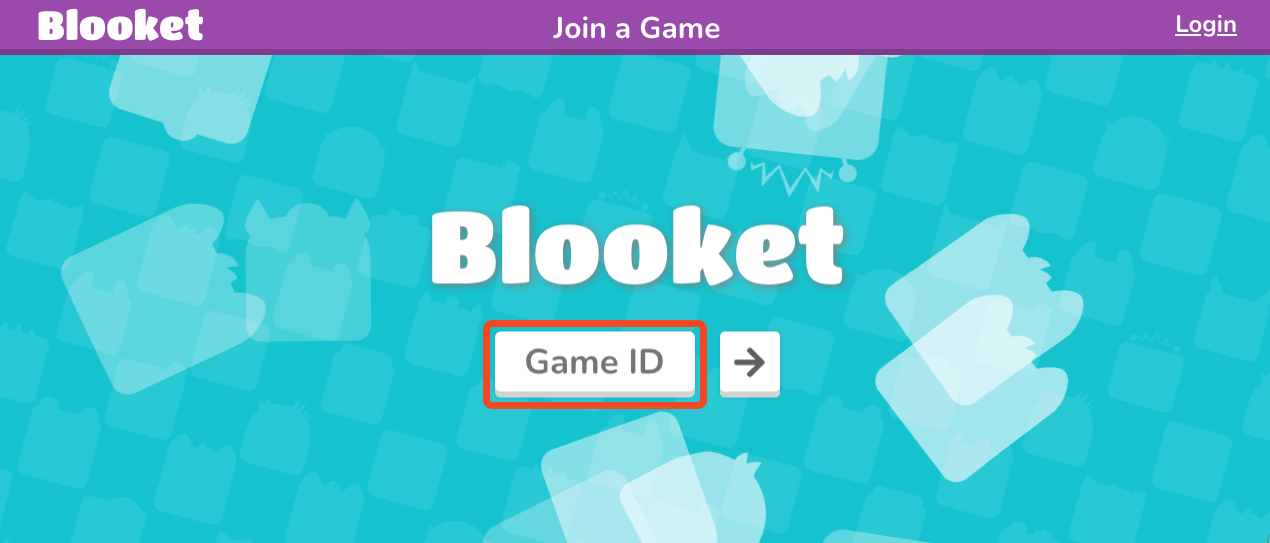
A. Visit play.blooket.com and enter the 6-digit game code

B. Scan the QR code with your device camera

C. Click on the Join Link shared by your teacher

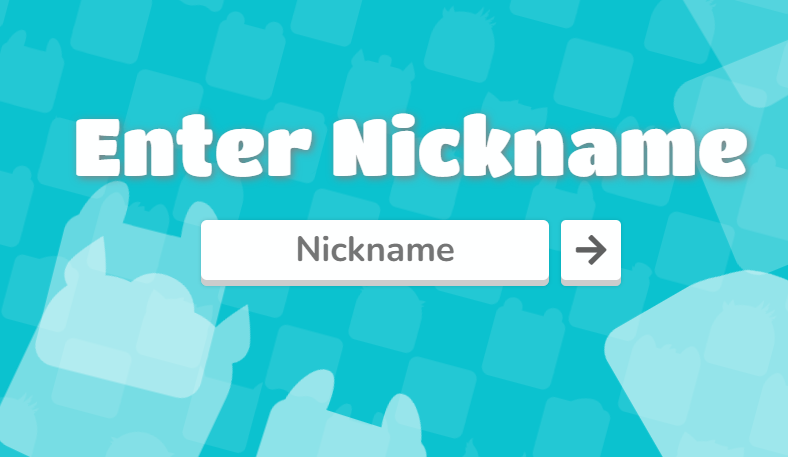
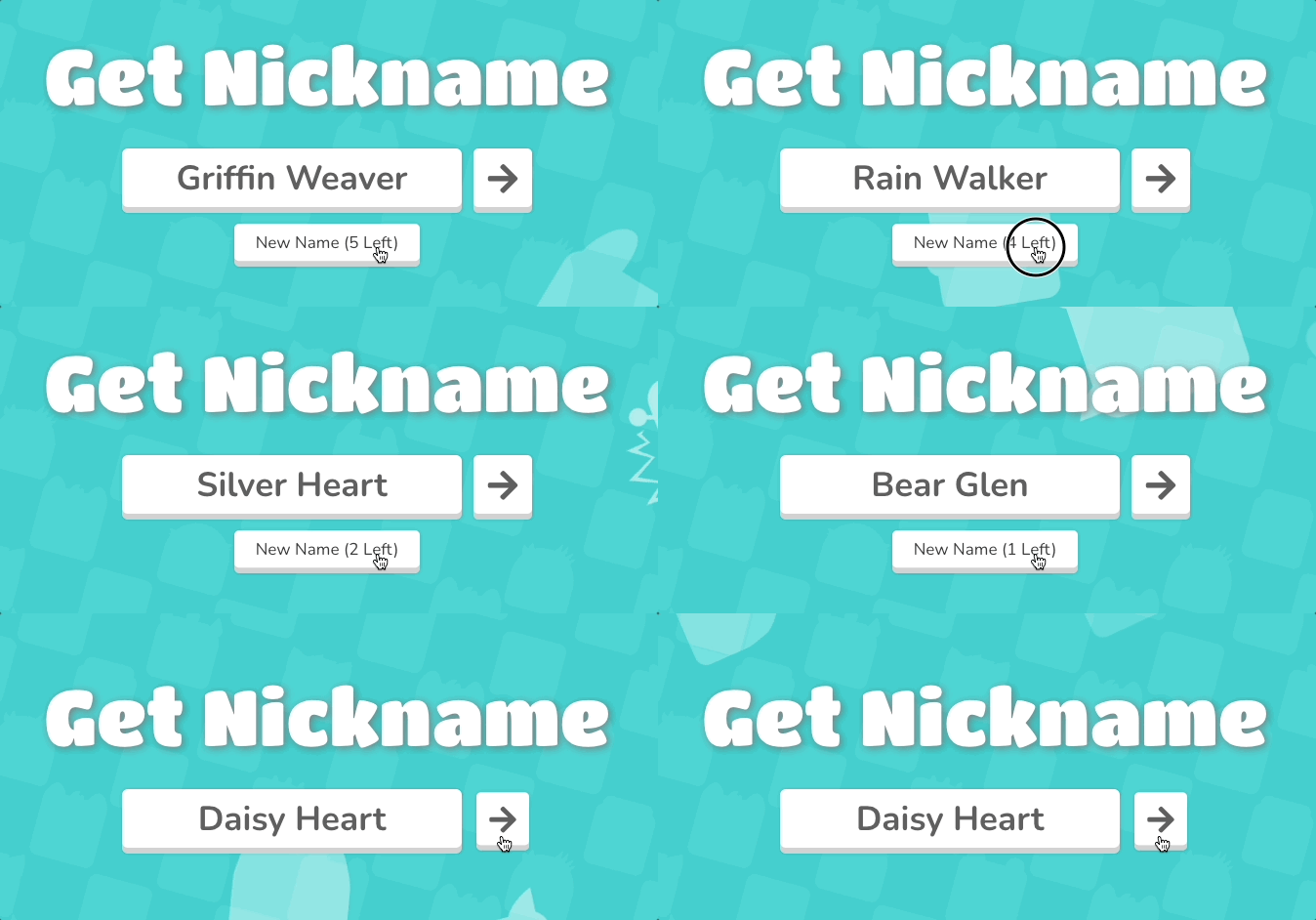
2. Enter your Nickname or select a randomly generated name:
3. Choose a Blook while you wait for the game to start
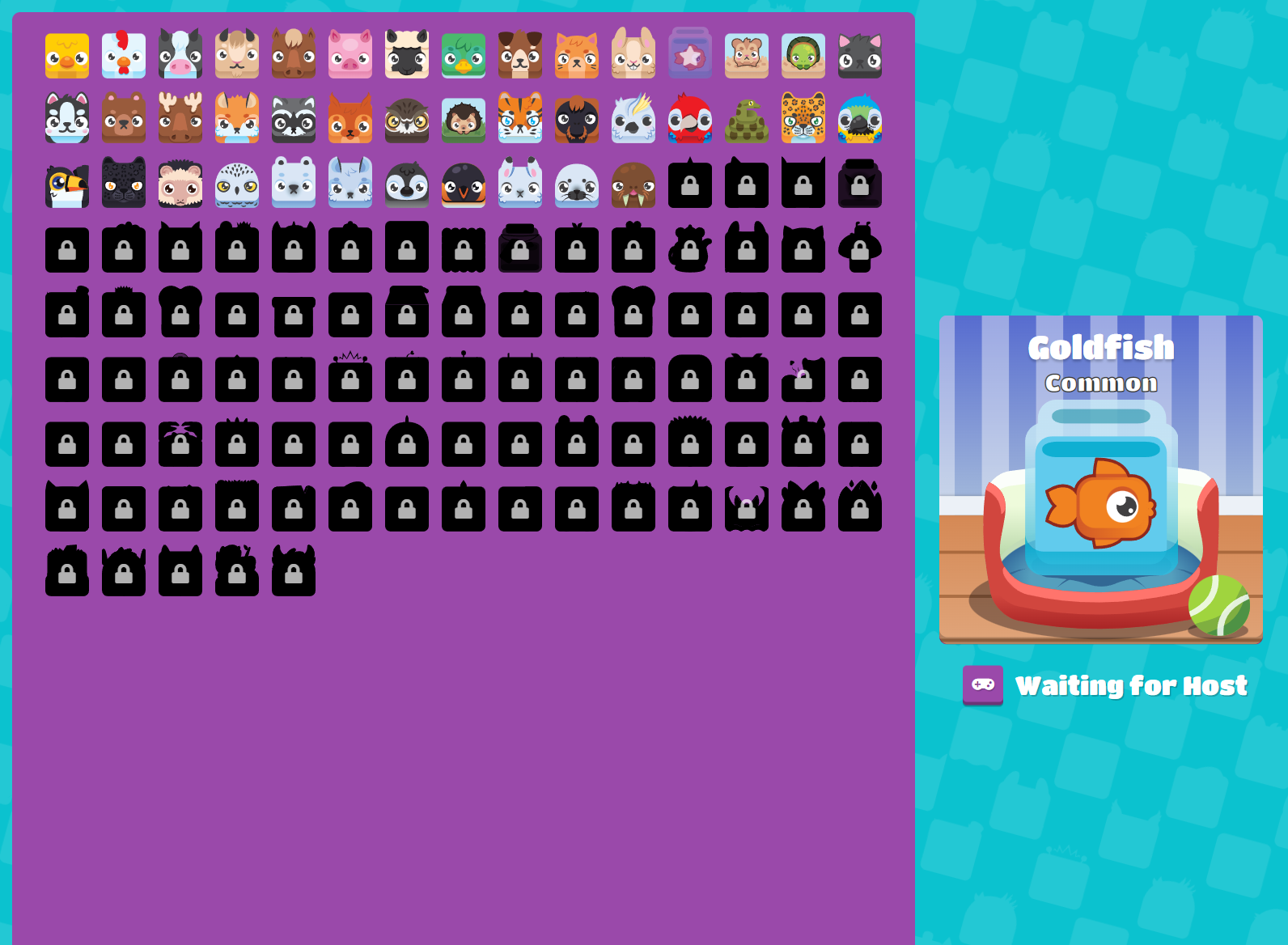
4. Have fun!
👩🏫 For Teachers: How to Create a Game
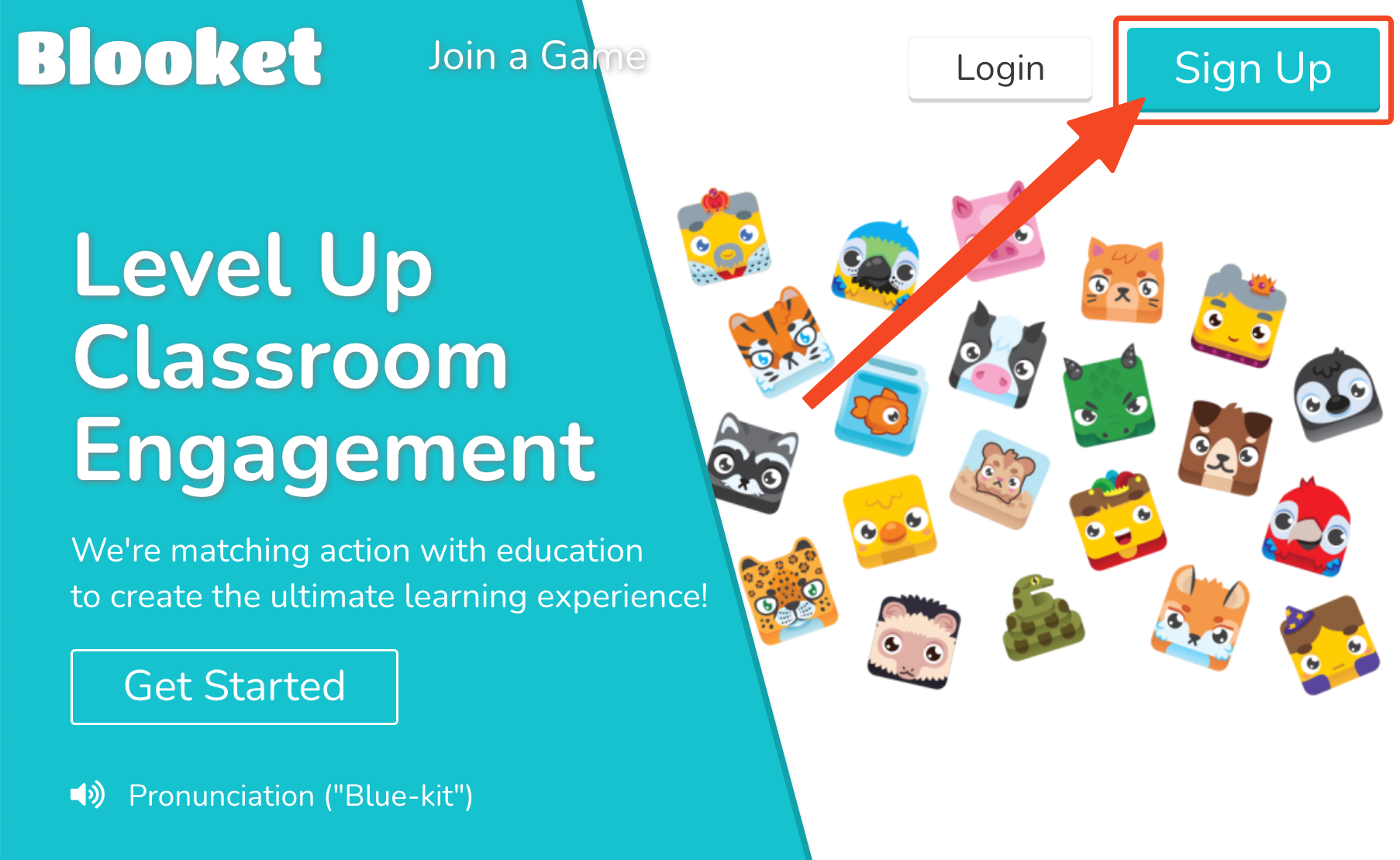
1. Visit Blooket.com and select "Sign Up" to create a free account
2. Find a question set to use in your game
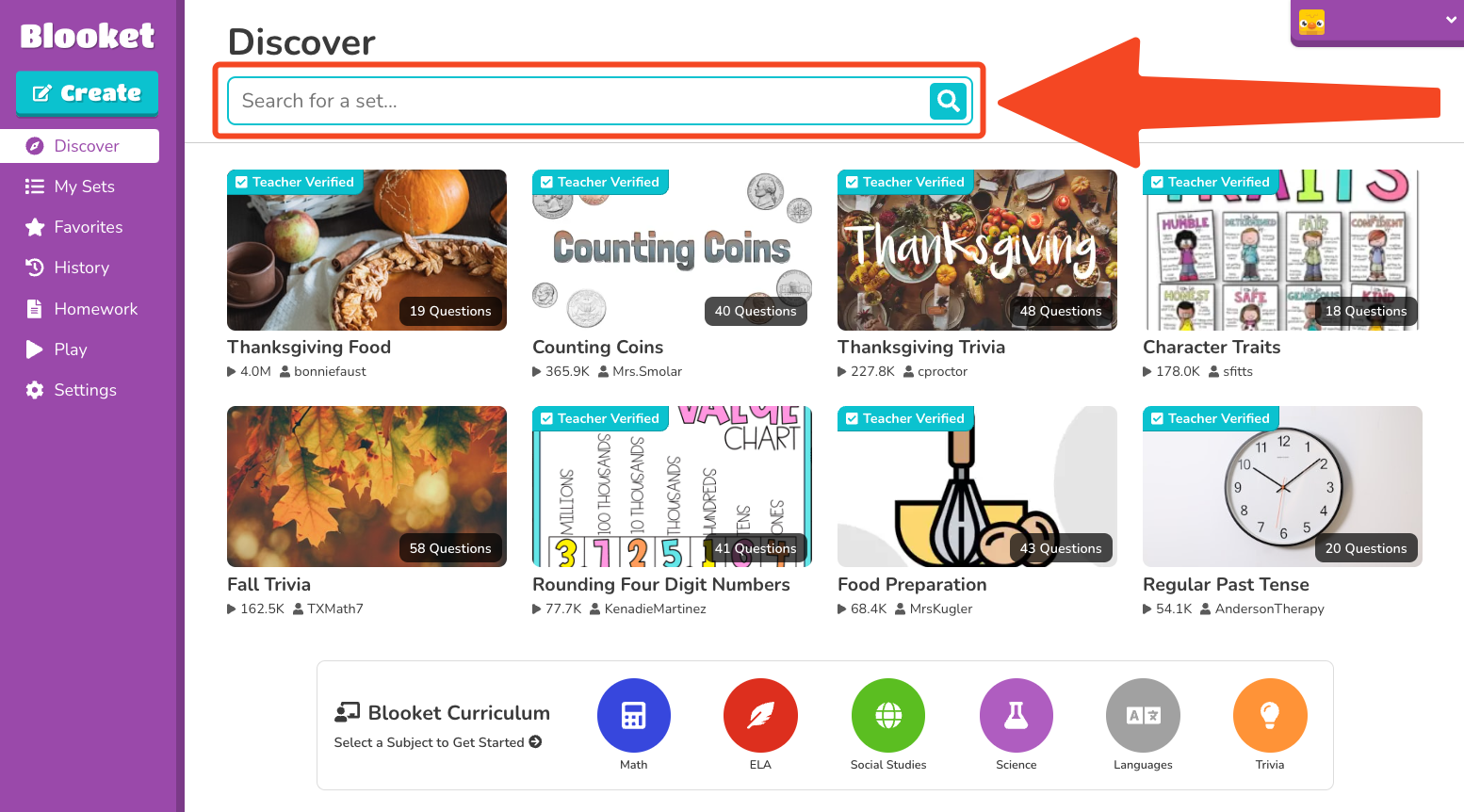
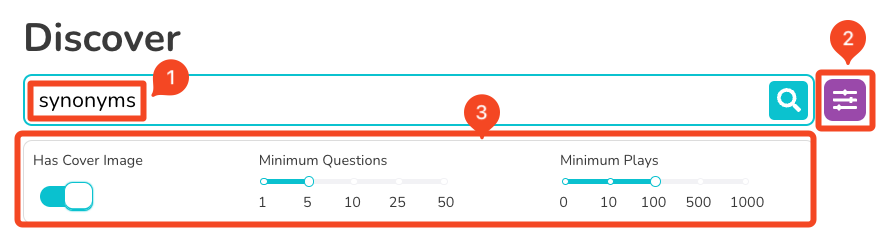
3. Use the search bar to search for a set that meets your needs
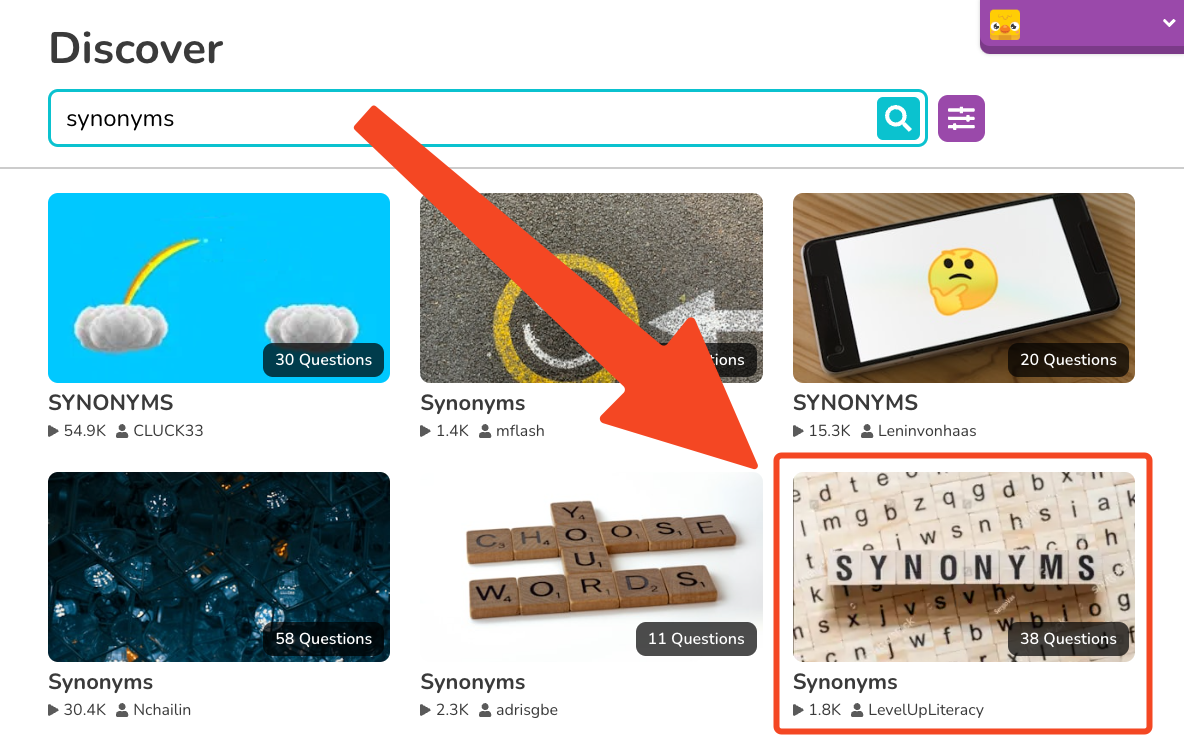
4. Click on the set to be taken to the set page
5. Select "Host"
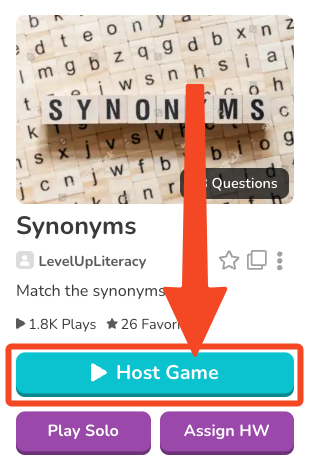
6. Select a game mode
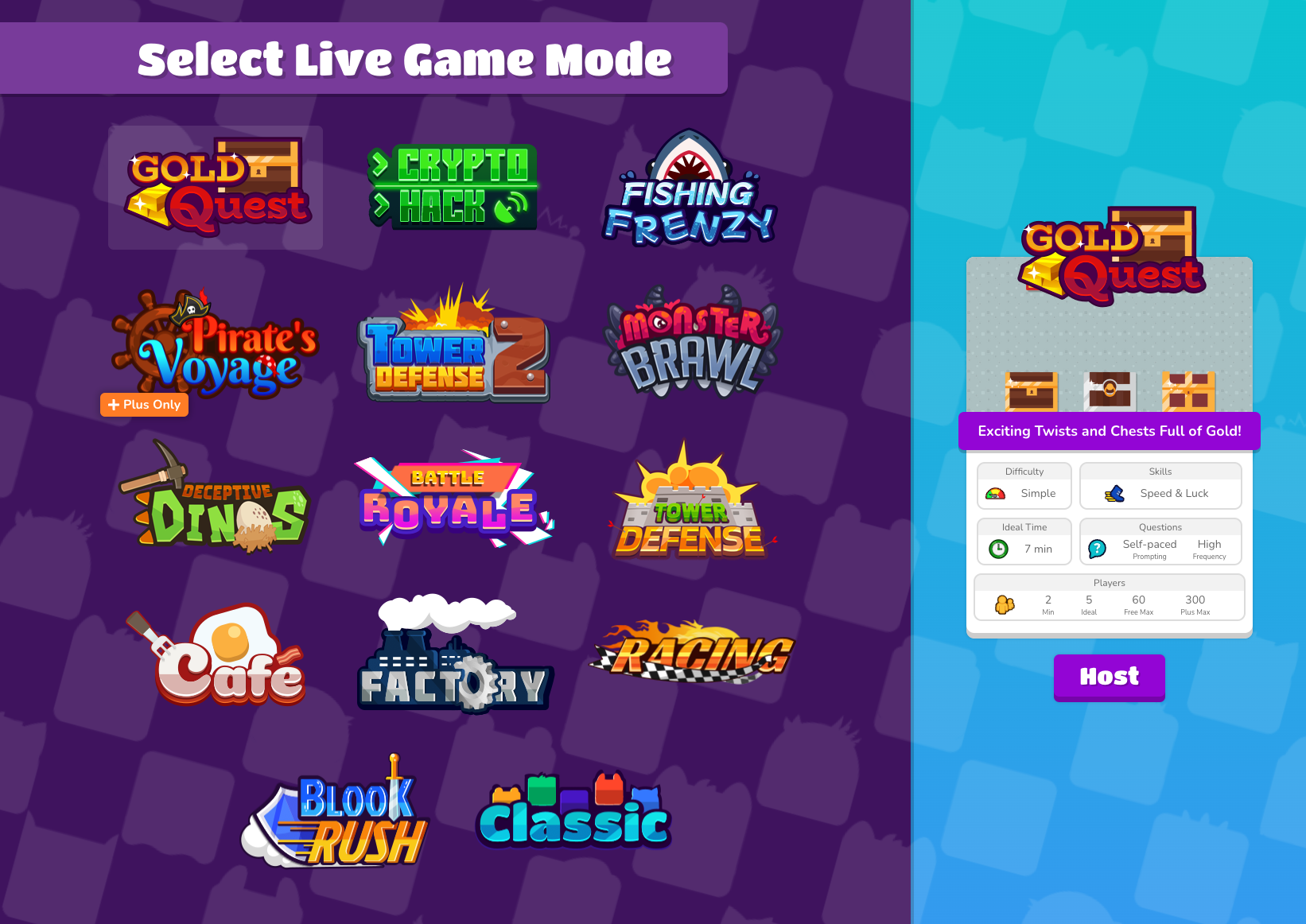
🌟 Why Teachers & Students Love Blooket
🎯 Interactive Learning: Makes quizzes exciting and competitive.
💡 Customizable: Create or remix sets for any subject.
🧩 Variety of Modes: Keeps students motivated with new challenges.
🏆 Collectible Blooks: Adds a fun reward system that students love.
💬 What Users Are Saying
“My students literally beg to play Blooket every week!” – Mrs. L., 7th Grade Teacher
“It feels like a game, but I actually learn a lot.” – Kayla, 10th Grade Student
🚀 Ready to Play?
Whether you’re a student looking to test your knowledge or a teacher wanting to make class more engaging — Blooket is the perfect start!
👉 Go to www.blooket.com and try it today.
Advertisement


